A Fully Featured File Explorer
By fully featured I really do mean fully featured
When I was tuning my setup earlier this year and really going hard on the productivity, I realized that there was no file explorer app on any platform that had everything I wanted. So I built it.
Downloads, installation instructions and the feature list are on the Tauri Explorer website ↗.
The little things that bothered me
I really wanted to use apps that fit my needs completely. I needed a terminal app, an IDE (even if I started using it less and less), a note editing app, and a browser, and a file explorer - nobody can go without a file explorer. For all the others I found apps that fit my brain - Ghostty/Wezterm as a terminal, Obsidian for a note editor (although it doesn't directly edit - more on that later), and Chrome was already enough for me as a browser. But it seemed like no good solutions existed for a terminal app!
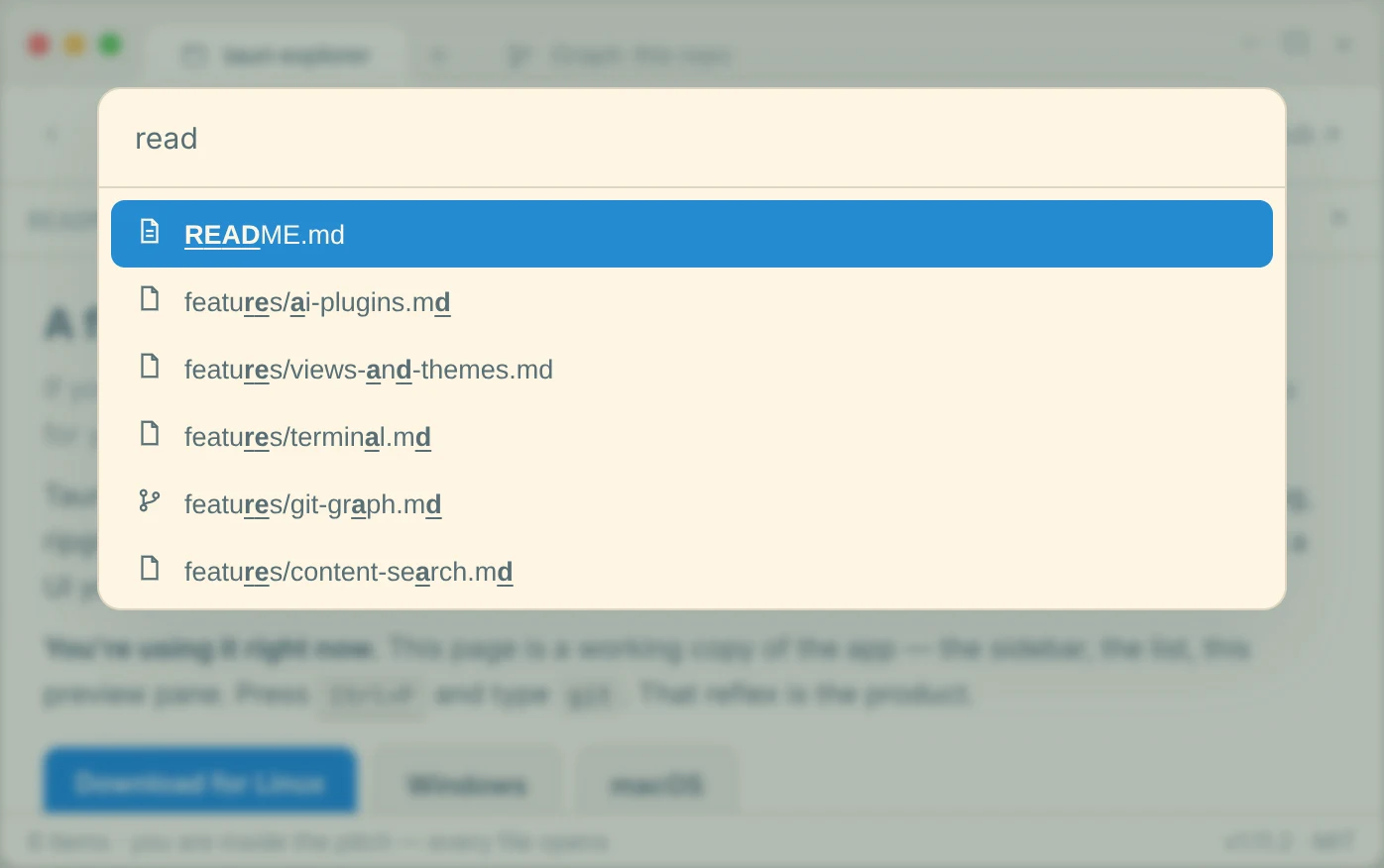
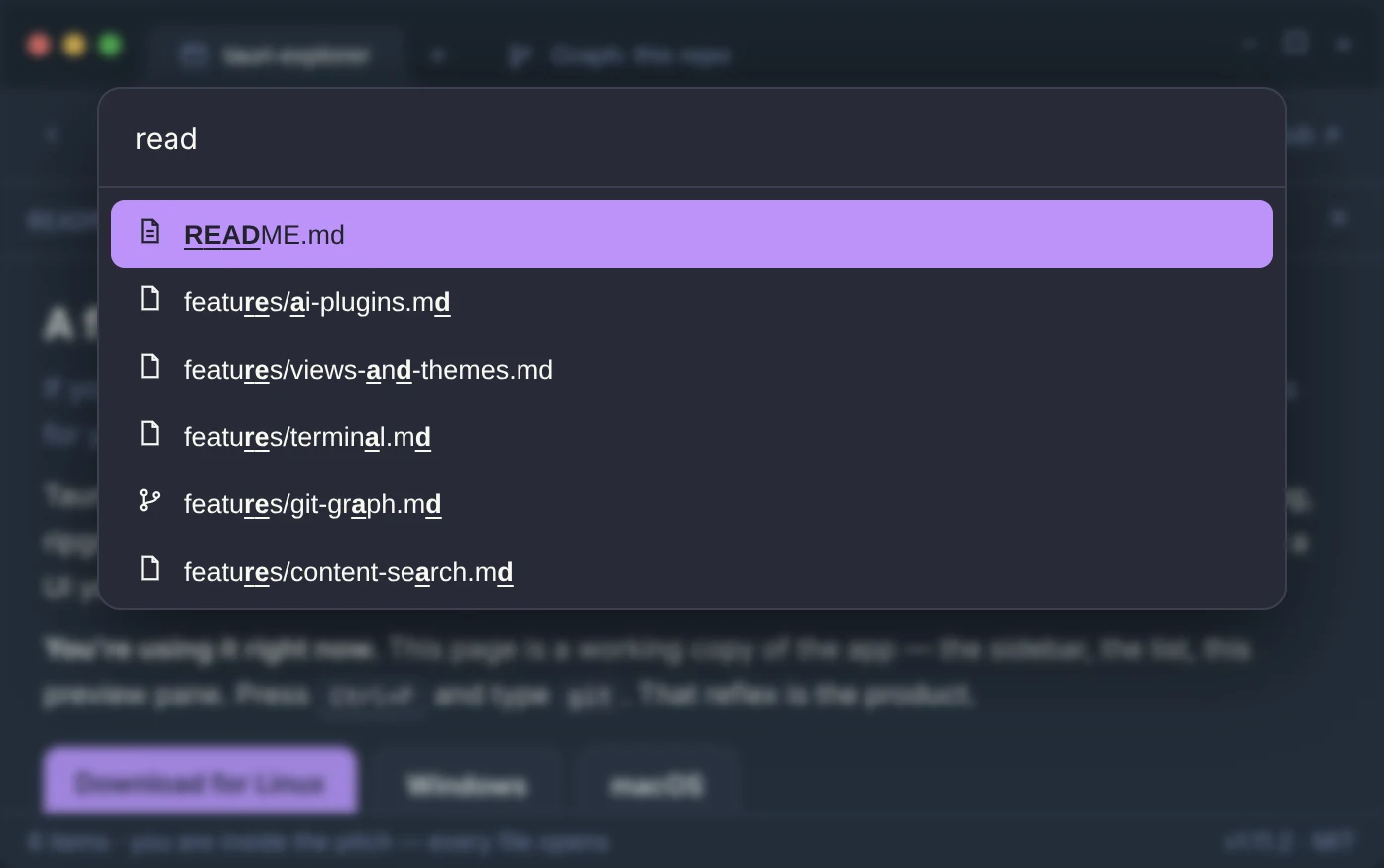
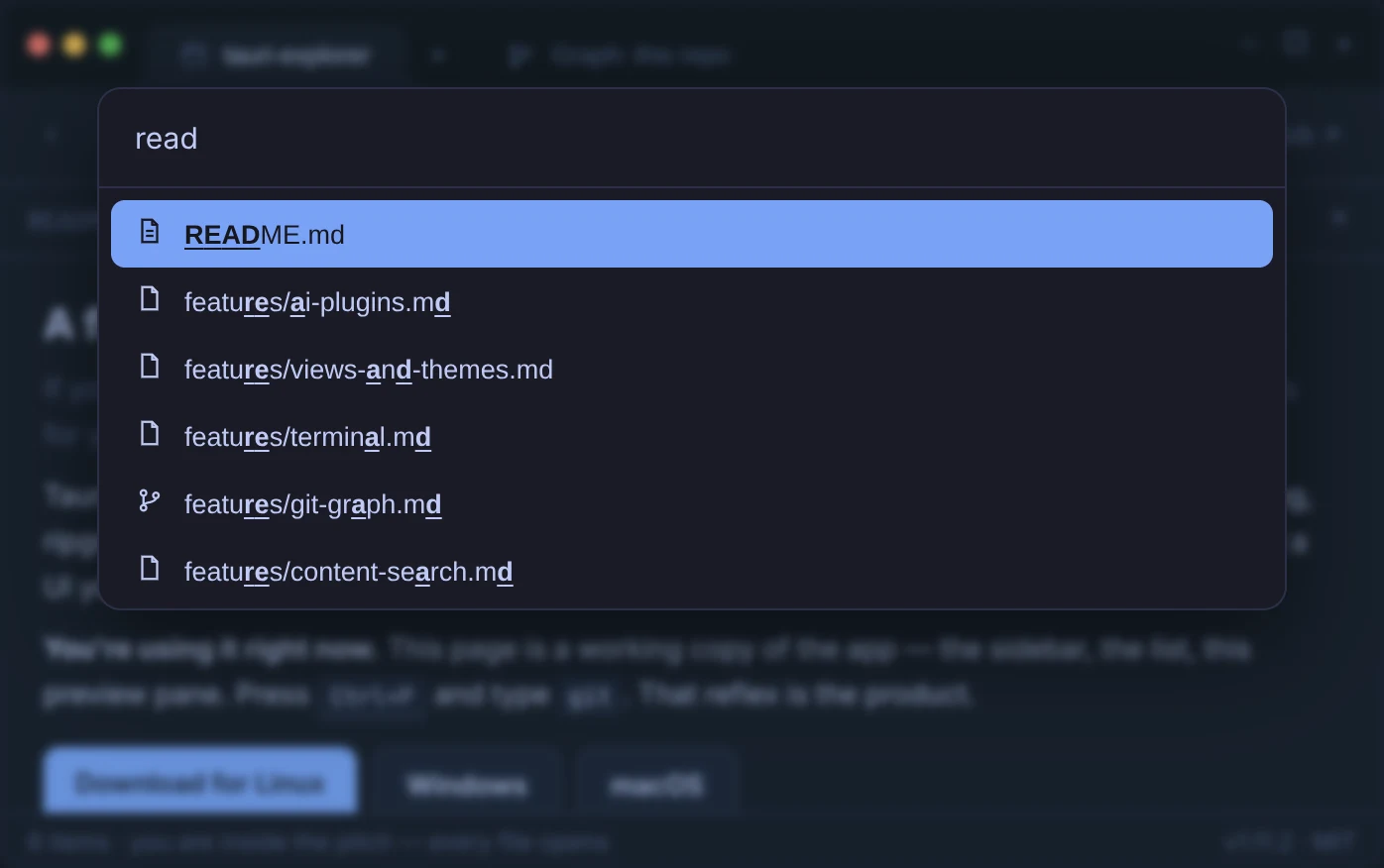
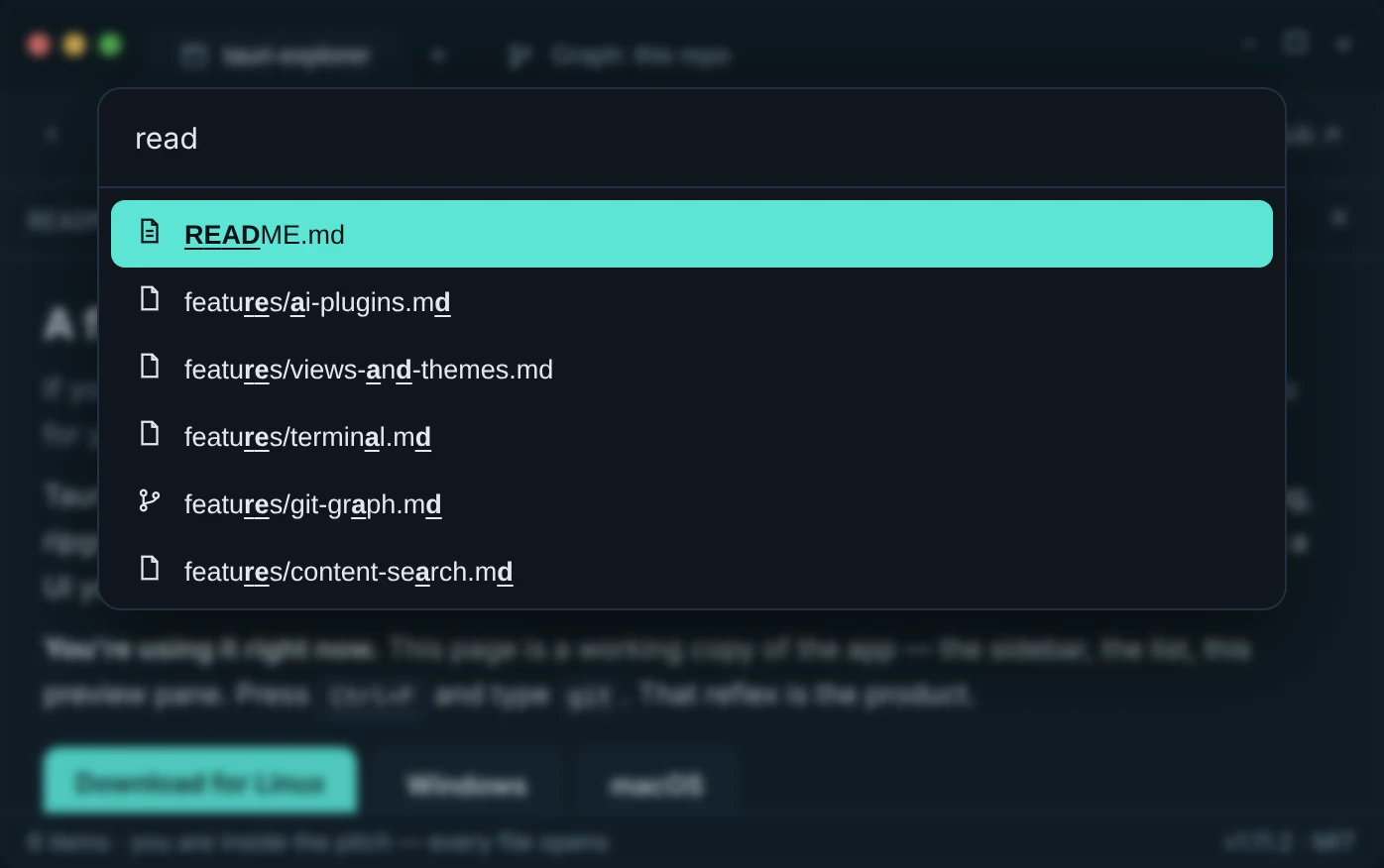
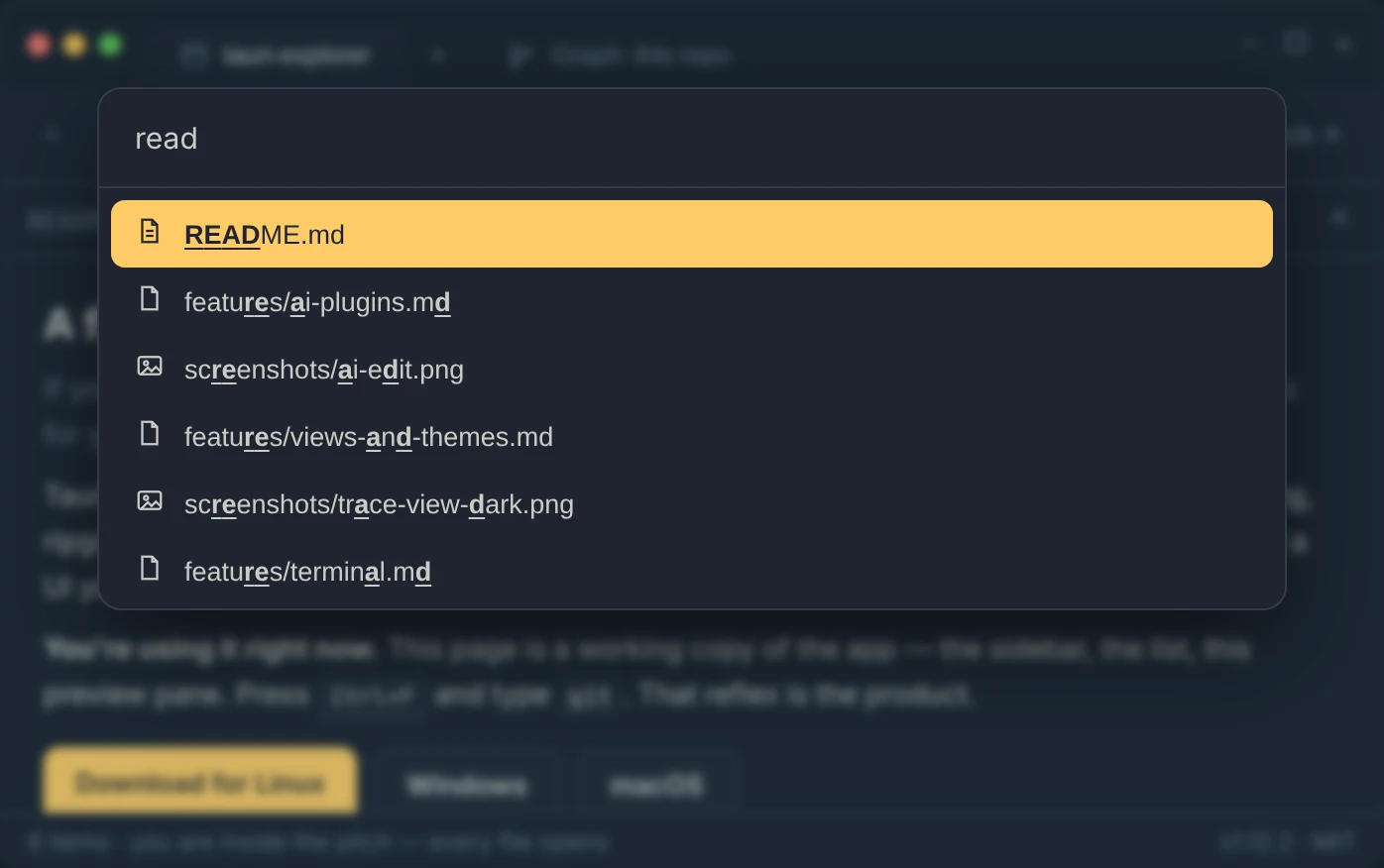
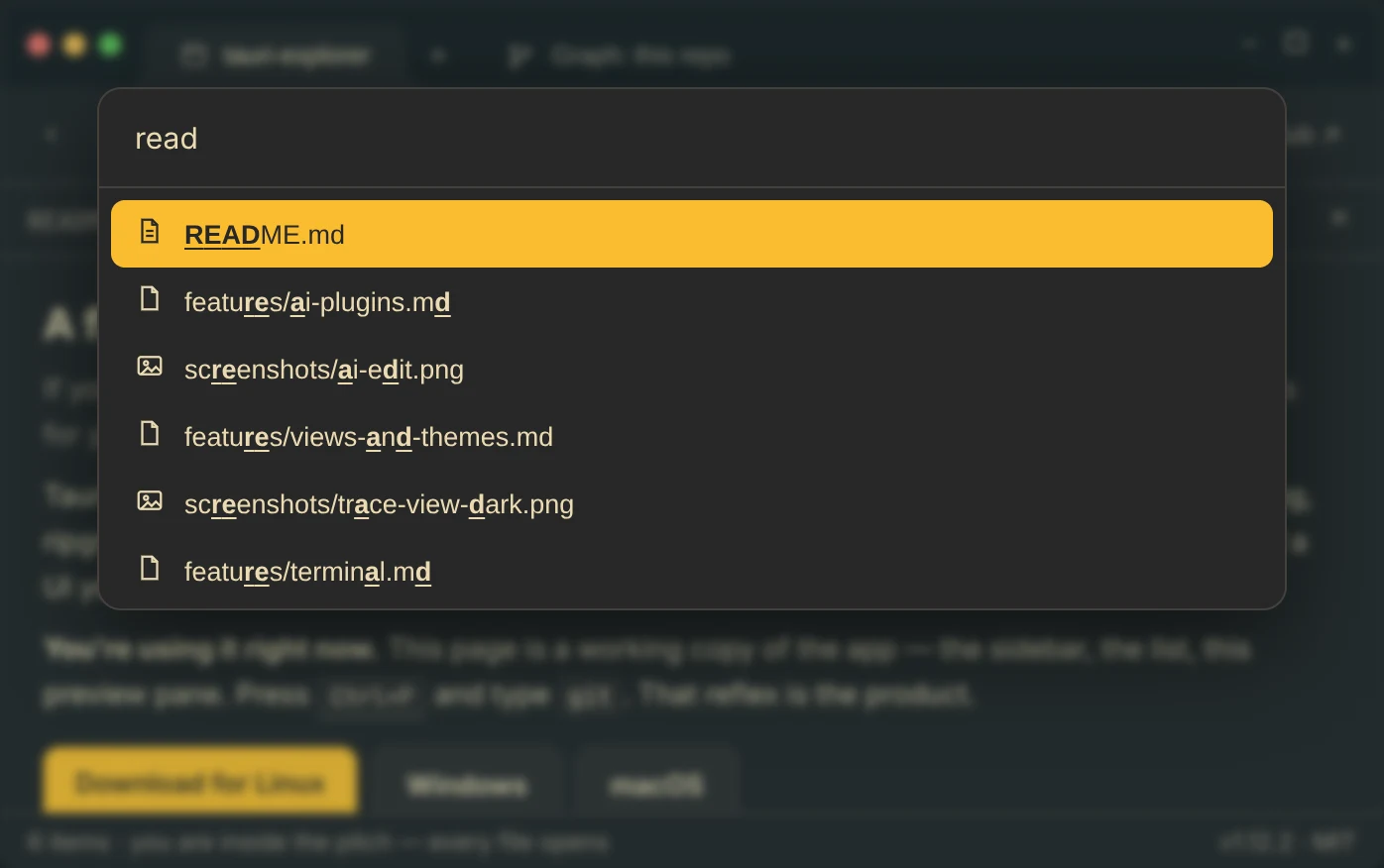
It seemed like regular Windows Explorer on Windows 11 was the best option - it had tabs, was performant, looked really polished, and for a while I tried using a customization tool called Windhawk to remove the bloat, for example the cut and paste icons because I never used them (only ever using the shortcuts). But I could quite do it. I used Marta on Mac OSX for a while because it had dual pane and a Ctrl + P frecency search, as well as a great innovation of having an attached terminal change directory as you navigate in the file explorer, also going vice versa so that you oculd use zoxide to navigate your file explorer too. But the little things bothered me - for example, after selecting a folder with Ctrl+P, I'd have to hit Enter twice to navigate into it. And I wanted to hide the status bar.
I also used Fileside on Windows for a while because it had multiple panes and was minimal, but there wasn't even a thumbnail view. Bloom is another standout for feeling OSX native while having a Ctrl + P navigation. There were bits I liked in every app, but nothing had everything I wanted.
What grew out of that
So, given all the great things I was hearing about Opus 4.5 at its time of release, I decided to take the plunge, and what the hell since it's all going to be AI written anyway I might as well use Rust in the Tauri framework. The specs were
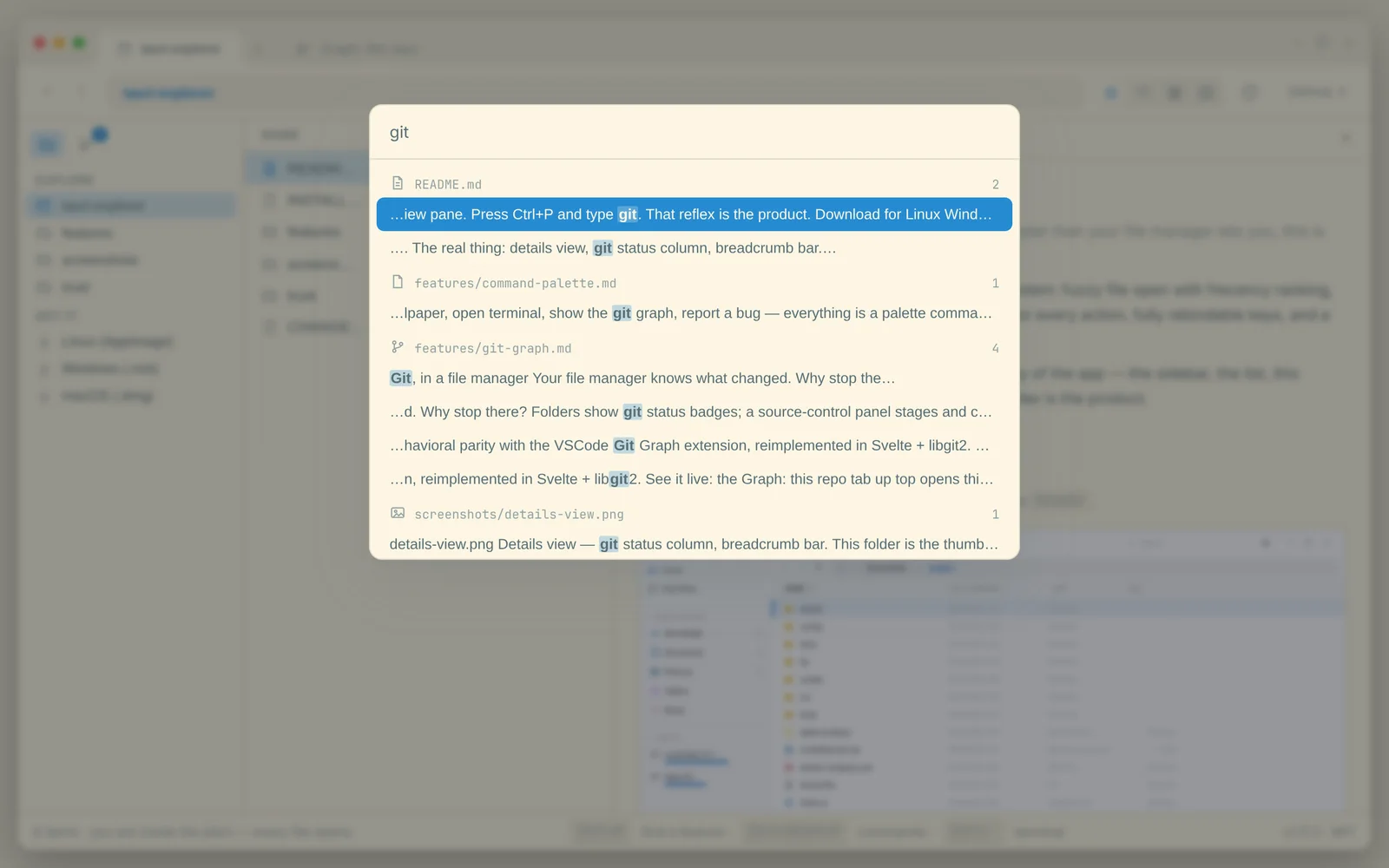
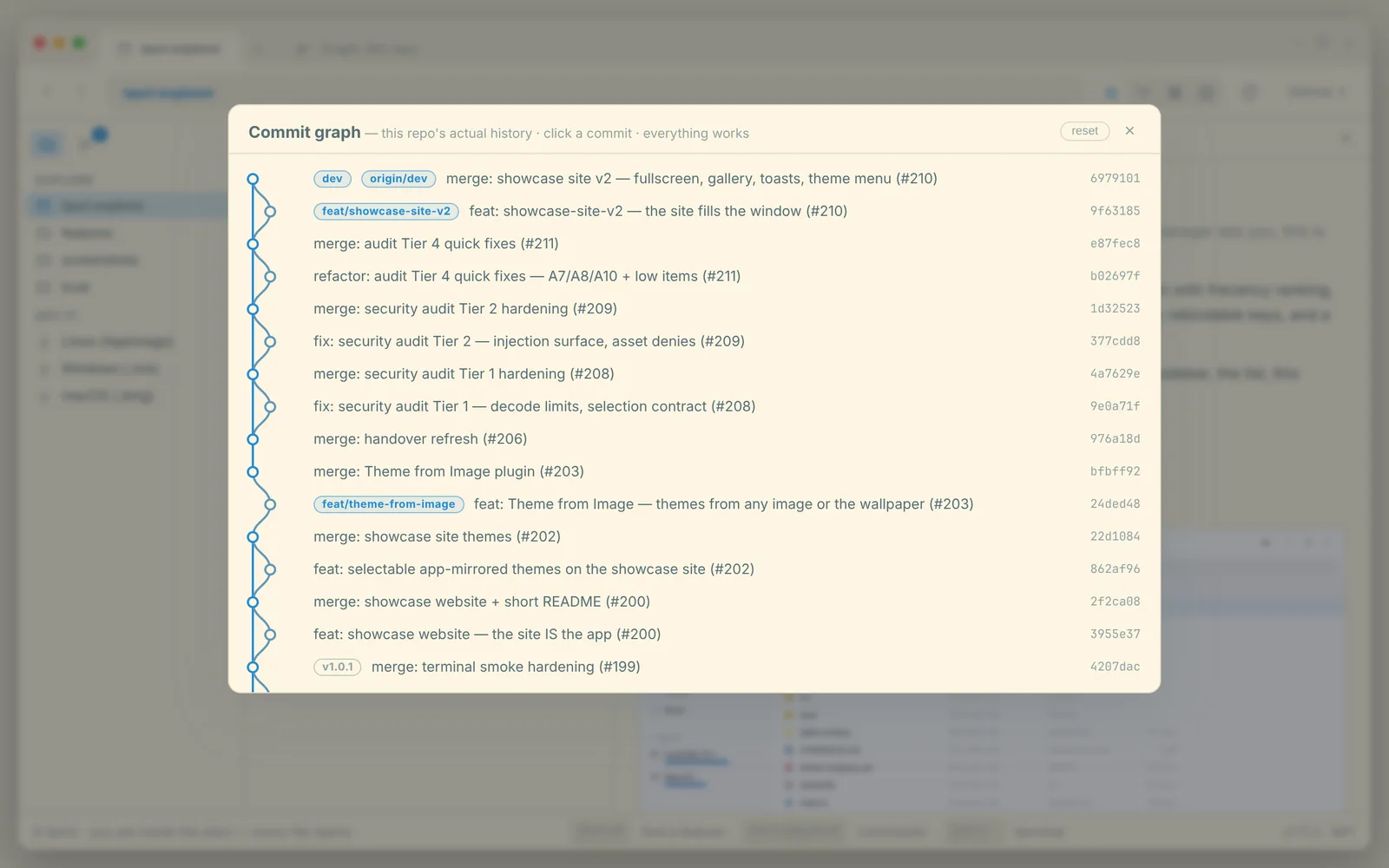
- Fully featured - in fact just having everything I liked in other apps and then on steroids. Other apps had dual pane? Well we'll just allows as many panes as you want origami/dwindle style, like in Ghostty or Wezterm. Other apps had a preview pane? Well let's have that, as well as a full screen preview, and throw video preview on top. And let's add Git Graph and source control as well, since after a while I realized that half the time I was opening VSCode it was just for Git Graph.
- Minimal - I was inspired when I first used Hyprland, I logged in and literally the only thing on the desktop is one empty terminal screen with a bare prompt. So I wanted to be able to completely remove the bloat. In Tauri Explorer, every single bar is toggleable, down to the address bar, leaving just a file pane.
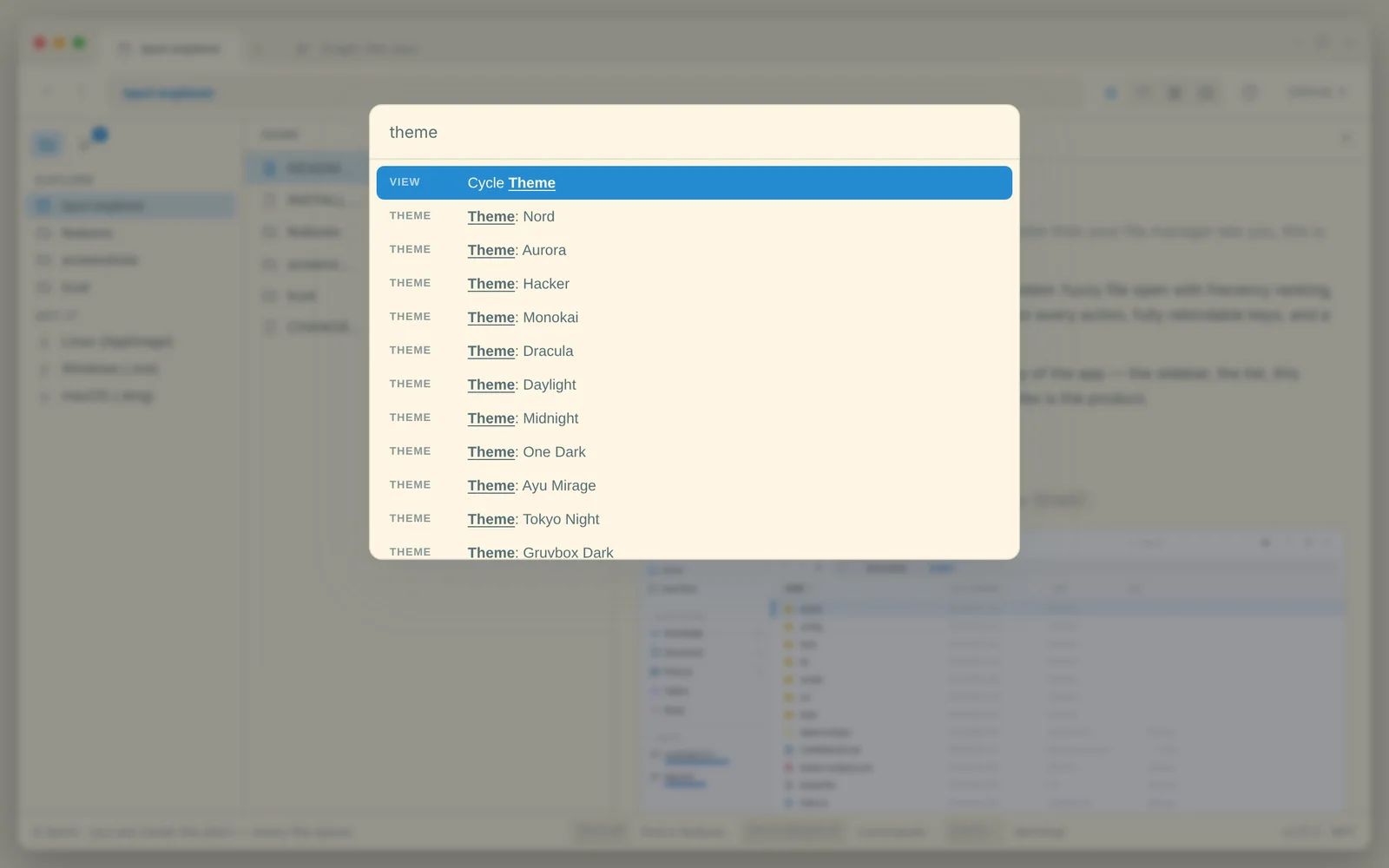
- Customizable - having configurable everything, hotkeys, themes, icon themes, all towards allowing the user to make it exactly like they want it.
- Performant - despite being fully featured, it's blazing fast Rust, and every last bit has been extensively optimized, perhaps not quite to the level of Ghostty but by god frontier models have been trying their best and being a former gamer I am quite intolerant of the slightest lag.
- Extensible - a plugin system so that people can add what they want in case I missed anything. Of course this includes AI integration - the first plugin I ever made was for Nanobanana to edit images directly within the file explorer.